Welcome to The Pondo: Your All-in-One Business Command Center
The End of "App Fatigue" Running a business shouldn’t feel like a part-time job in technical support. Before The Pondo, you likely had one app for emails, a second for texting, a third for your website, and a fourth for collecting payments. This "scatter" is expensive and leads to missed opportunities.
The Pondo (our Pondocean system) is designed to be your single source of truth. It consolidates every tool you need into one professional dashboard. This guide walks you through the sidebar menu so you can see exactly how we’ve replaced your old apps with one streamlined solution.
The Master Sidebar: Navigation at a Glance
The dark sidebar on the left is your steering wheel. Here is a walkthrough of every major menu item and how it solves your daily business problems.
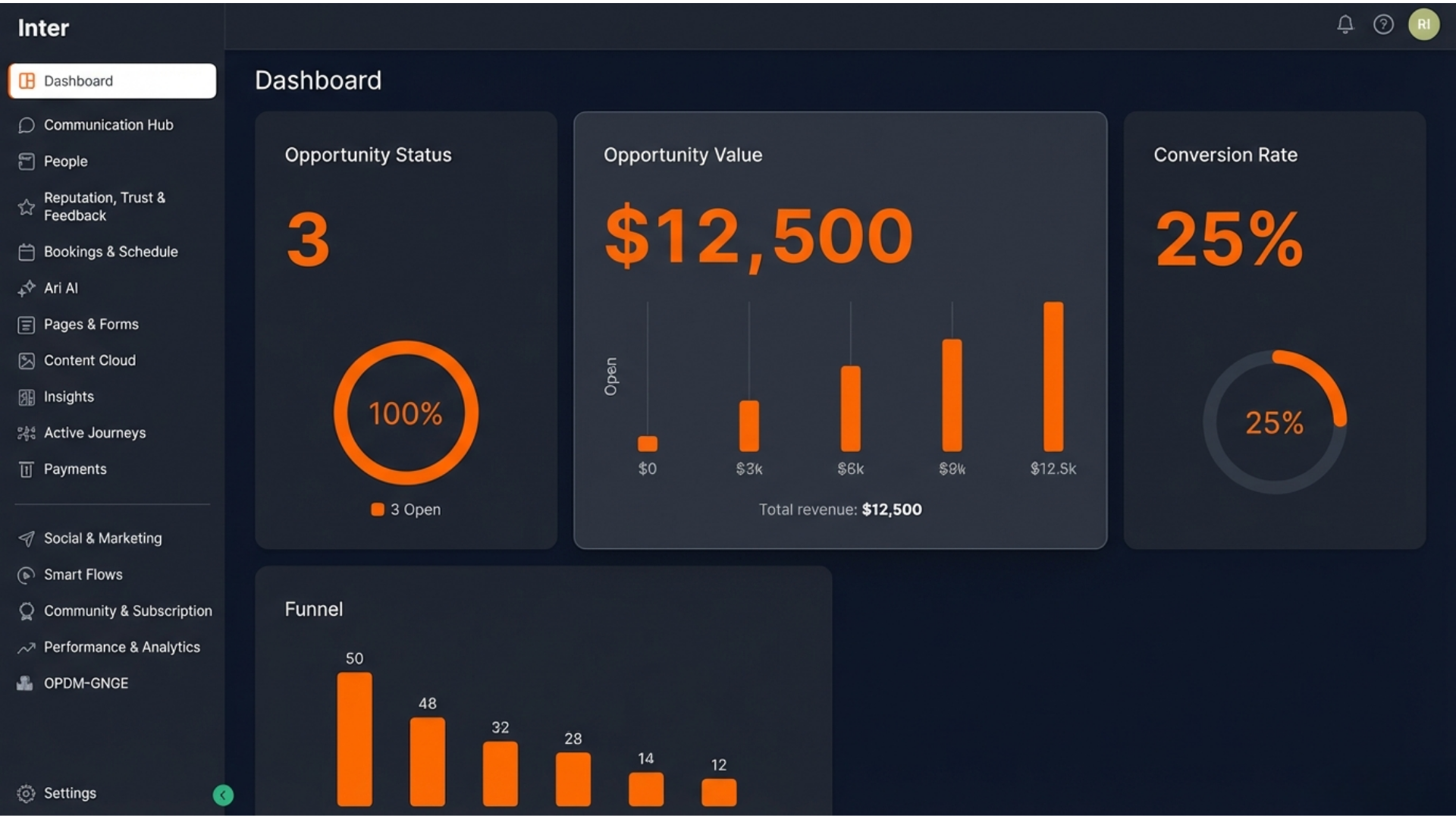
1. Dashboard (The Launchpad)
This is your daily briefing. Instead of checking spreadsheets, look here to see your total "Pipeline Value" (potential revenue) and active opportunities. It tells you exactly how healthy your business is at any given moment.
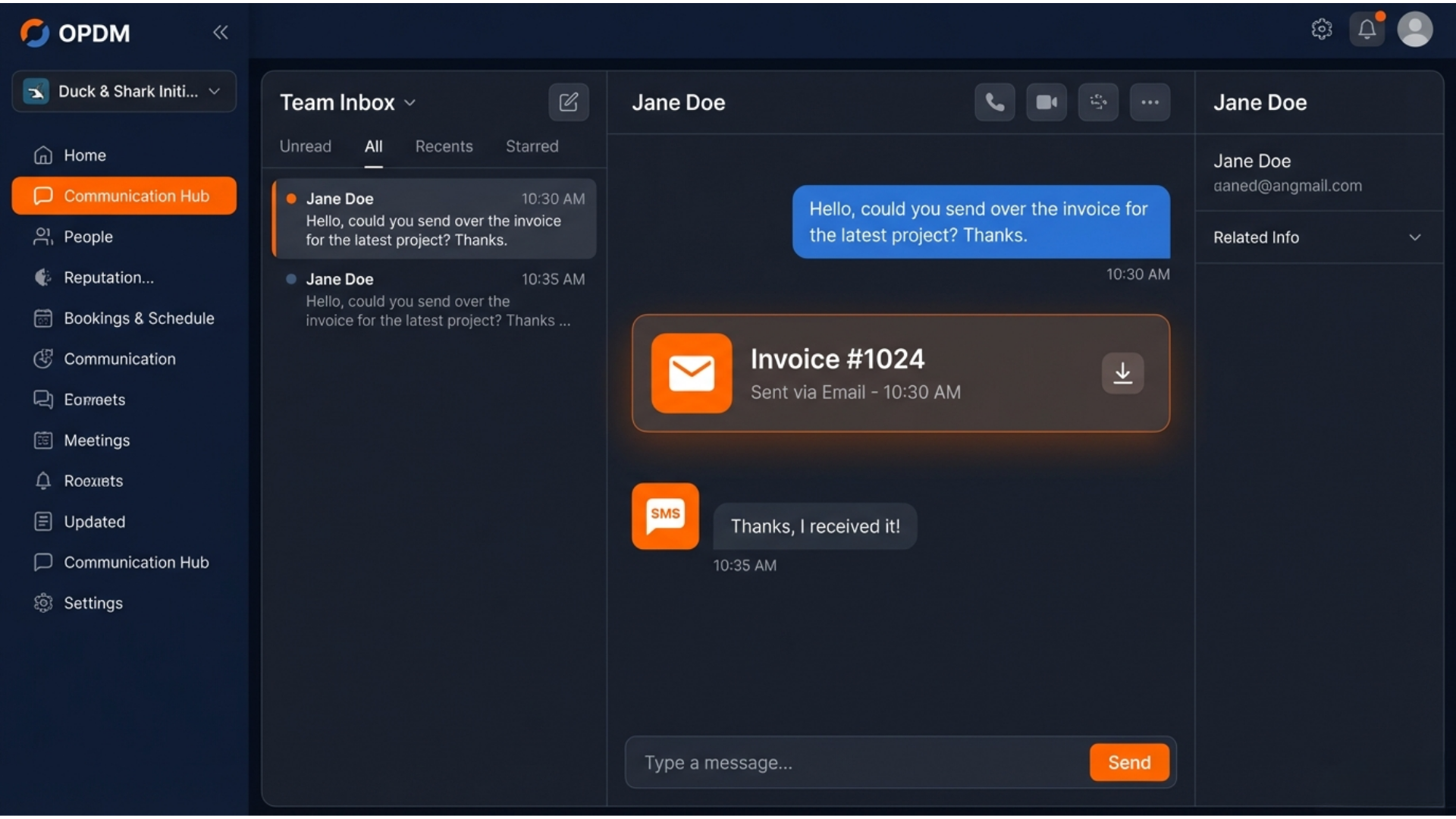
2. Communication Hub (Your Unified Inbox)
Replaces: Gmail, Business Texting Apps, and Facebook Messenger. Never jump between apps to find a client message again. Every text, email, and social media DM flows into this one stream.
Learn more in our "Communication Hub" blog.
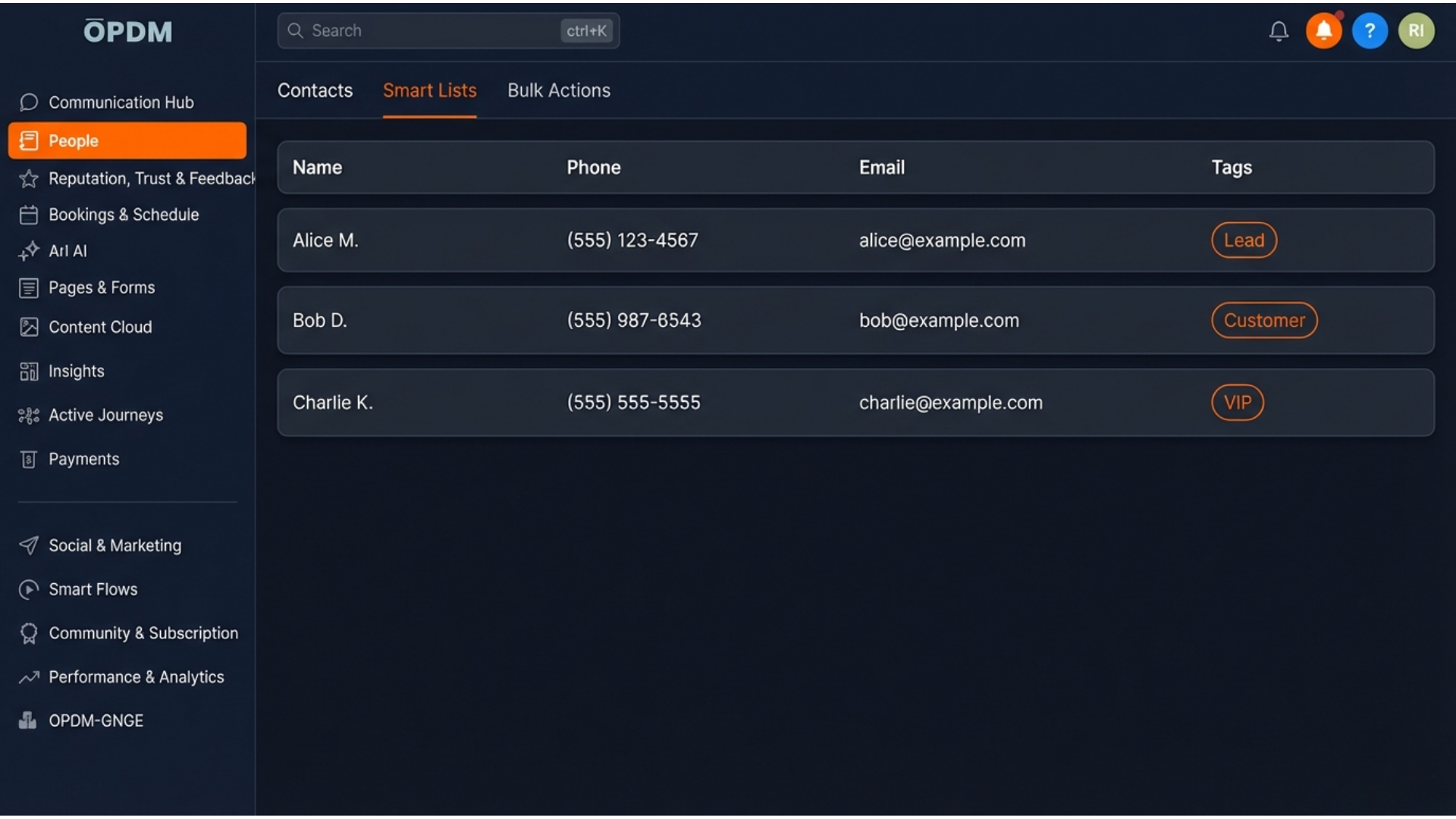
3. People (Your Digital Rolodex)
Replaces: Contact Lists and Excel Spreadsheets. This is a secure database of everyone you serve. You can "Tag" people to group them and create Smart Lists (tabs at the top) to find specific groups instantly.
Learn more in our "People & Smart Lists" blog.
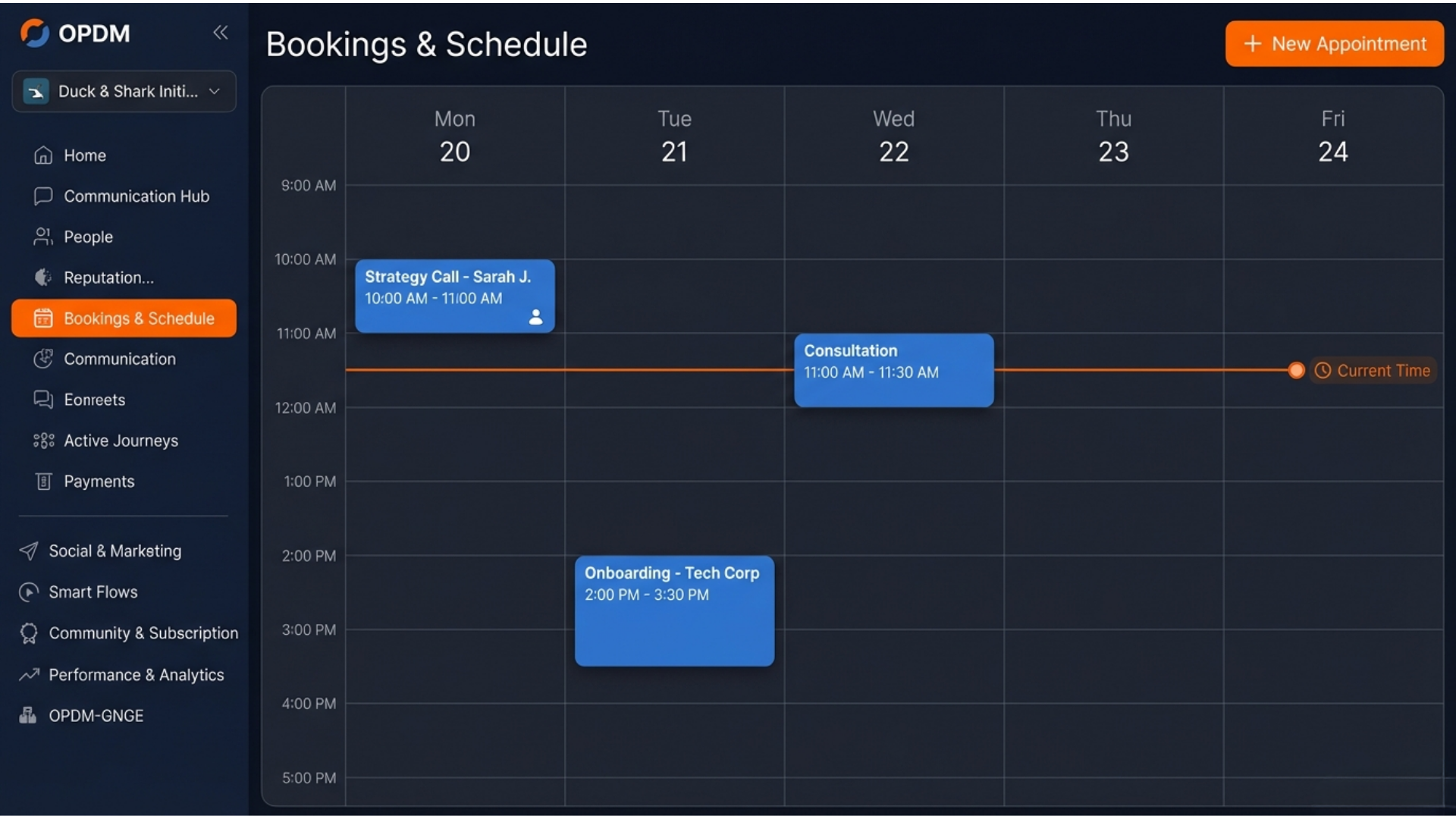
4. Bookings & Schedule (The Master Calendar)
Replaces: Calendly and Paper Planners. Manage your appointments and staff availability here. Clients can book themselves, and the system automatically sends them reminders so they don't forget.
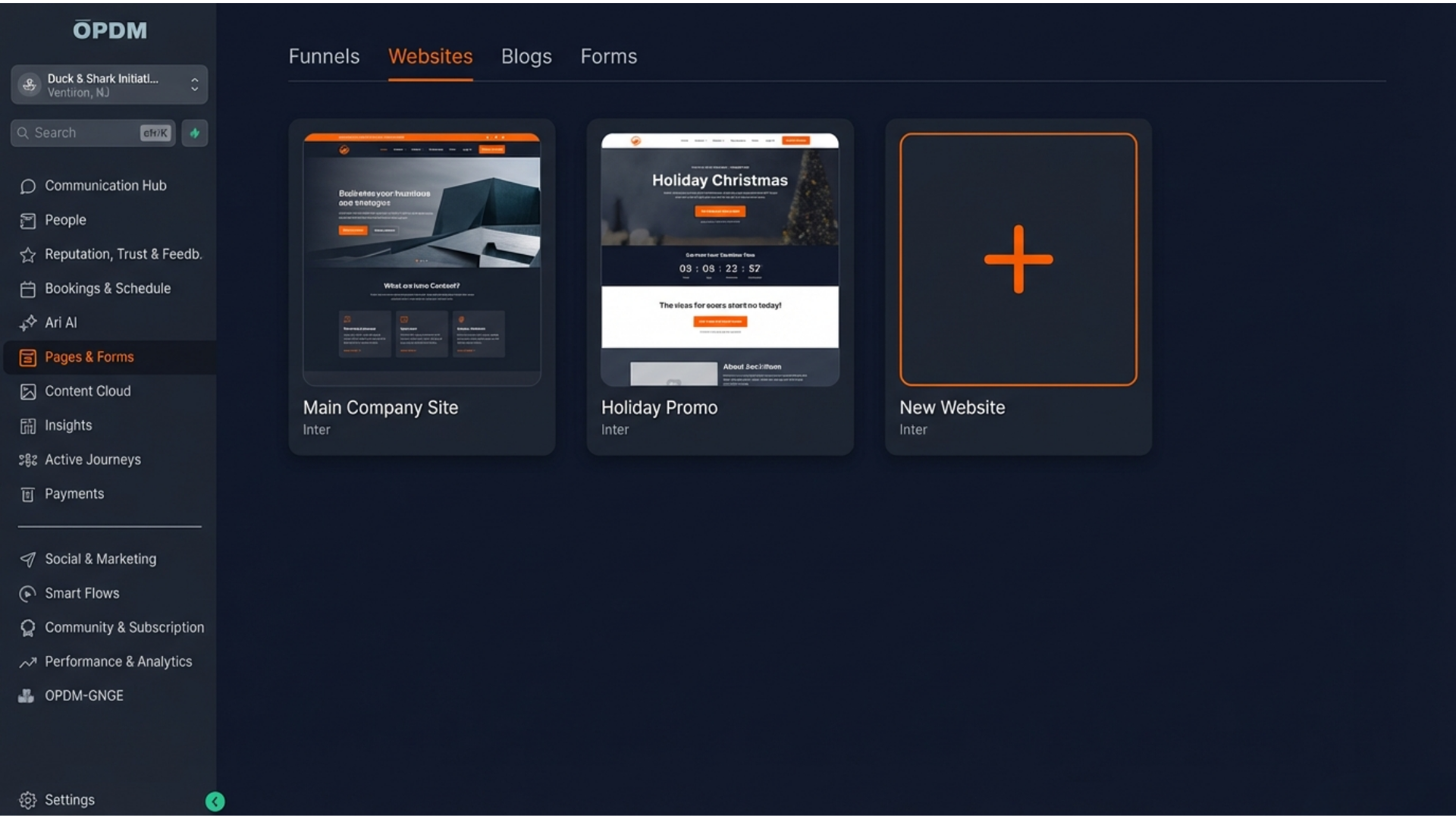
5. Pages & Forms (Your Digital Storefront)
Replaces: Wix, WordPress, and Typeform. This is where your website, landing pages, and surveys live.
Forms Tab: View every prayer request or sign-up submission.
Websites Tab: Simple visual tools to update your site content.
Blogs Tab: Where you post updates and help articles.
Learn more in our "Website & Forms Basics" blog.
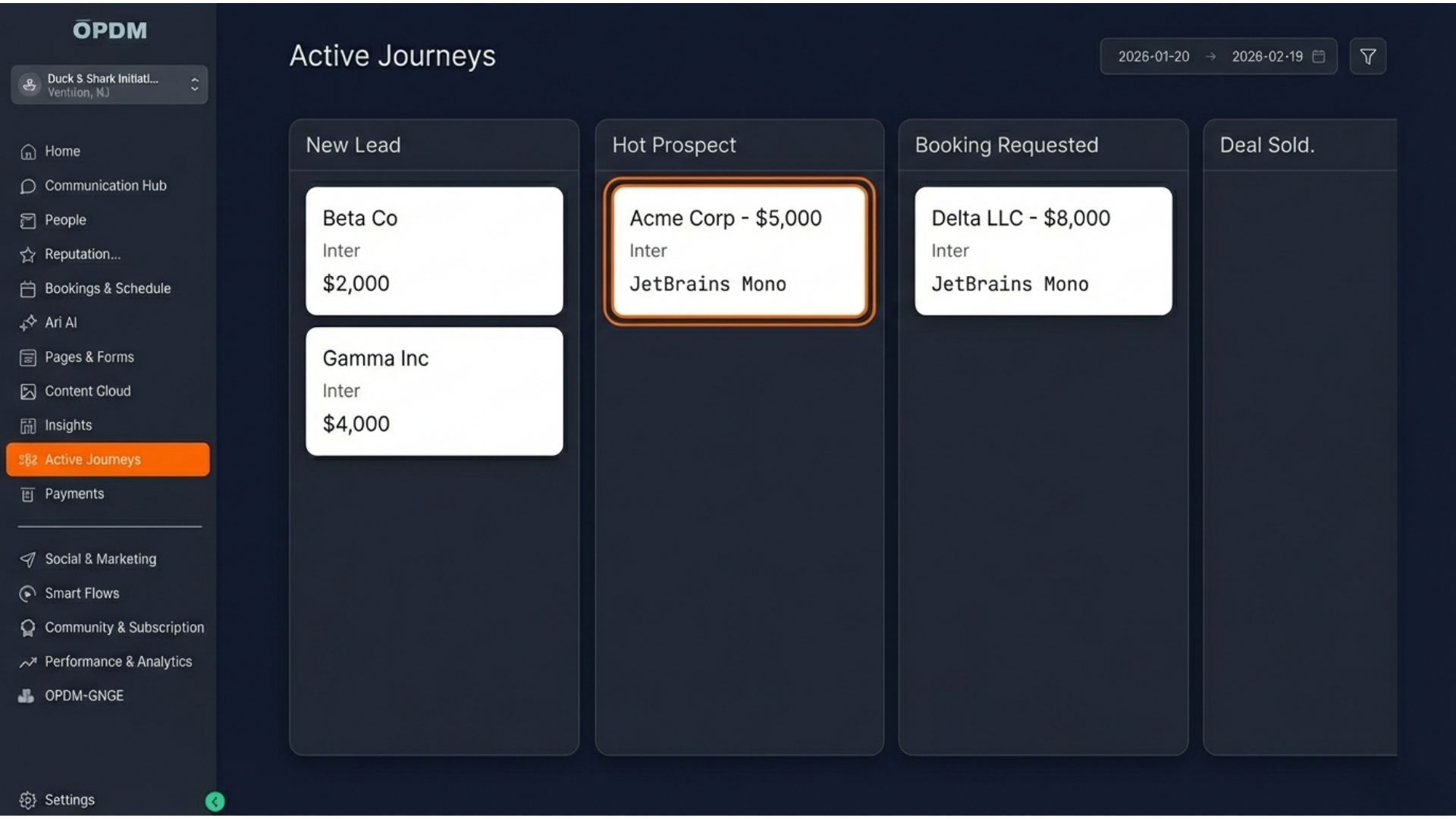
6. Active Journeys (Your Visual Map)
Replaces: Trello and Sticky Notes. This turns your to-do list into a visual game board. You can see exactly which stage a client is in and "drag-and-drop" them to the next step as they progress.
Learn more in our "Active Journeys" blog.
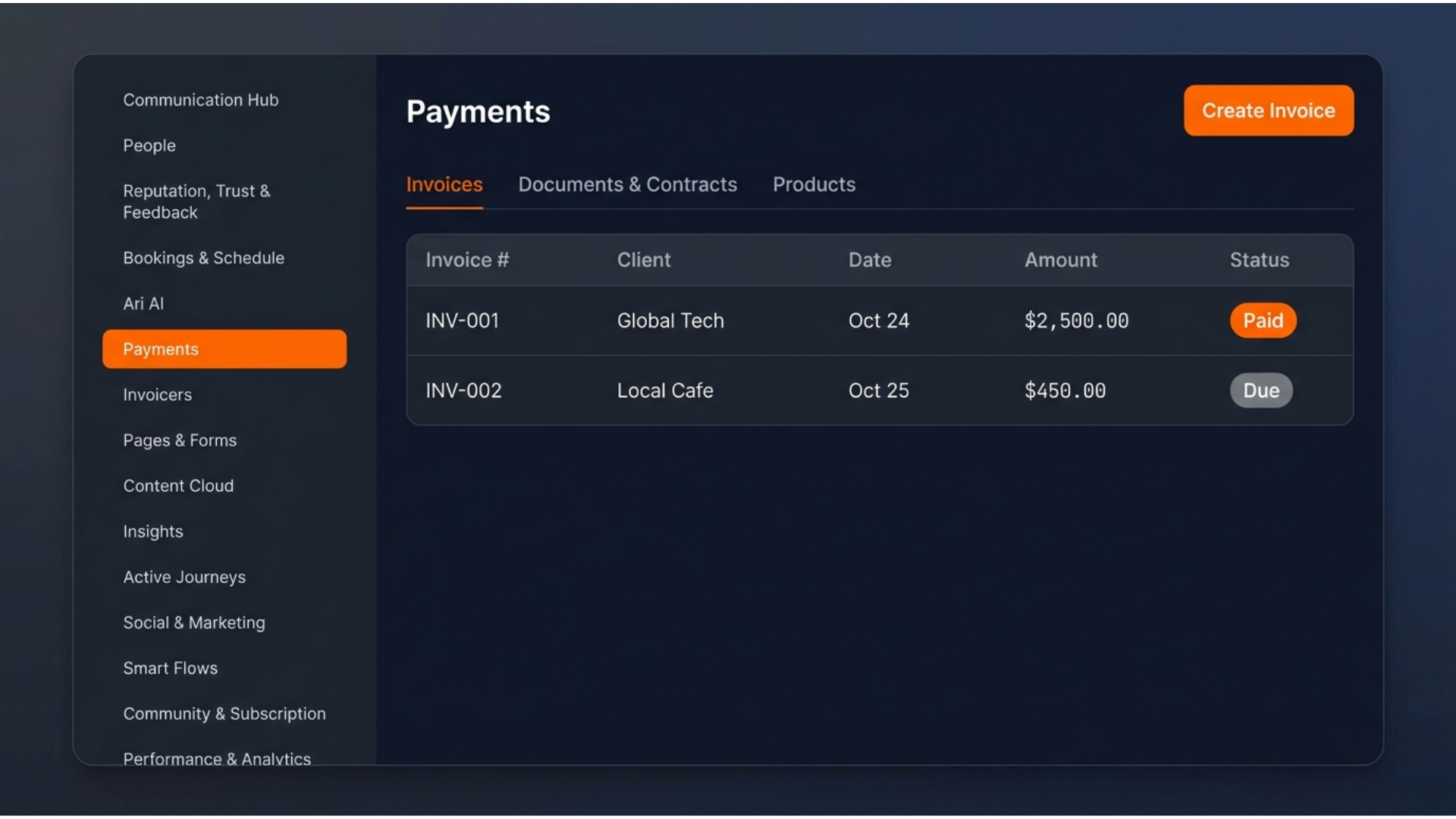
7. Payments (Your Financial Hub)
Replaces: QuickBooks, PayPal, and DocuSign. This is the "engine" for your revenue. Because this section is so vital, it is broken down into specific tabs:
Invoices: Send professional bills via text or email.
Documents & Contracts: Send legally binding agreements for digital signature.
Products: Define your "menu" of services and prices.
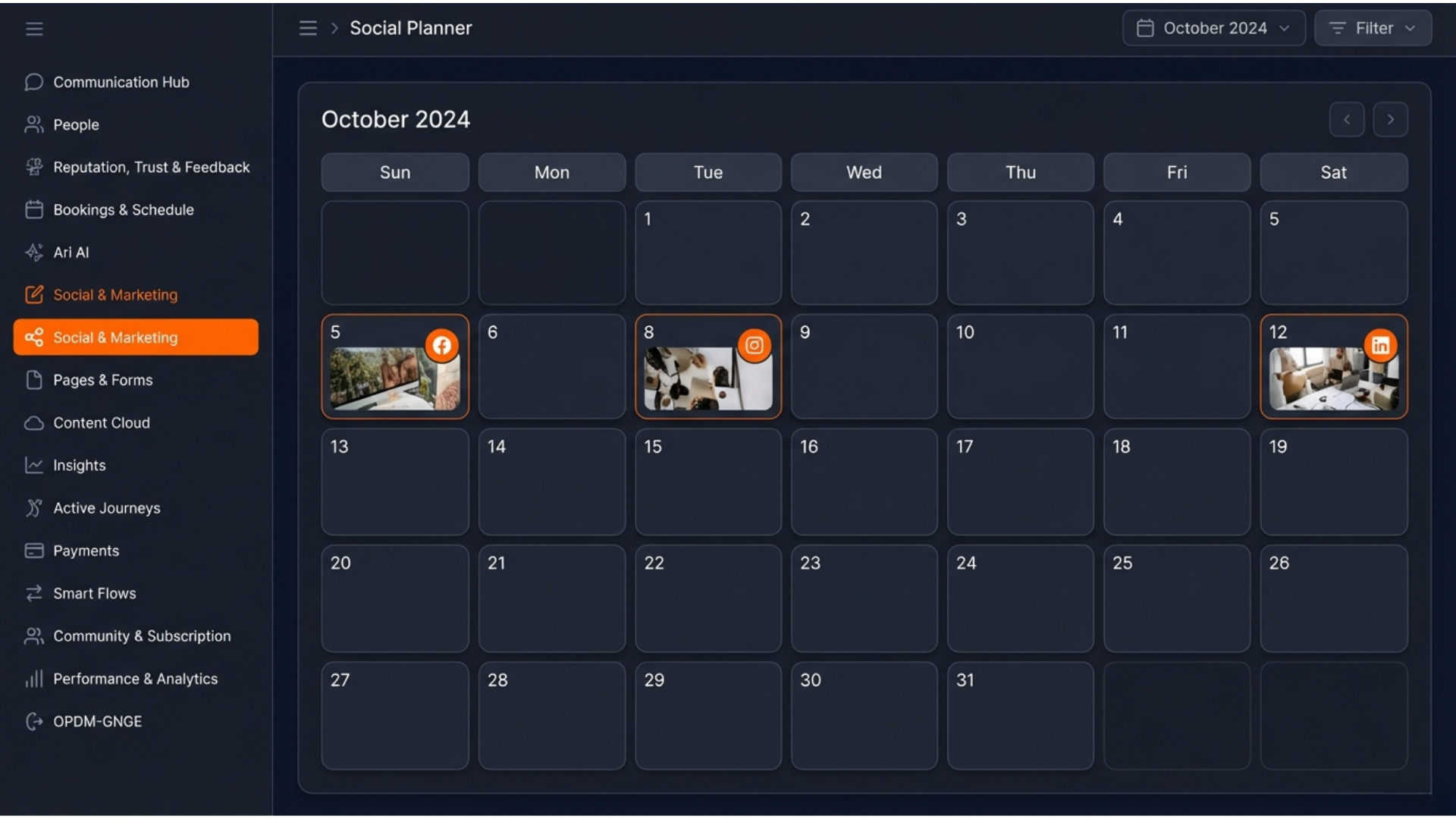
8. Social & Marketing (The Megaphone)
Replaces: Hootsuite and Buffer. Connect your Facebook, Instagram, and Google accounts here. Plan your entire month of posts in one afternoon and schedule them to go live automatically.
Learn more in our "Social & Marketing" blog.
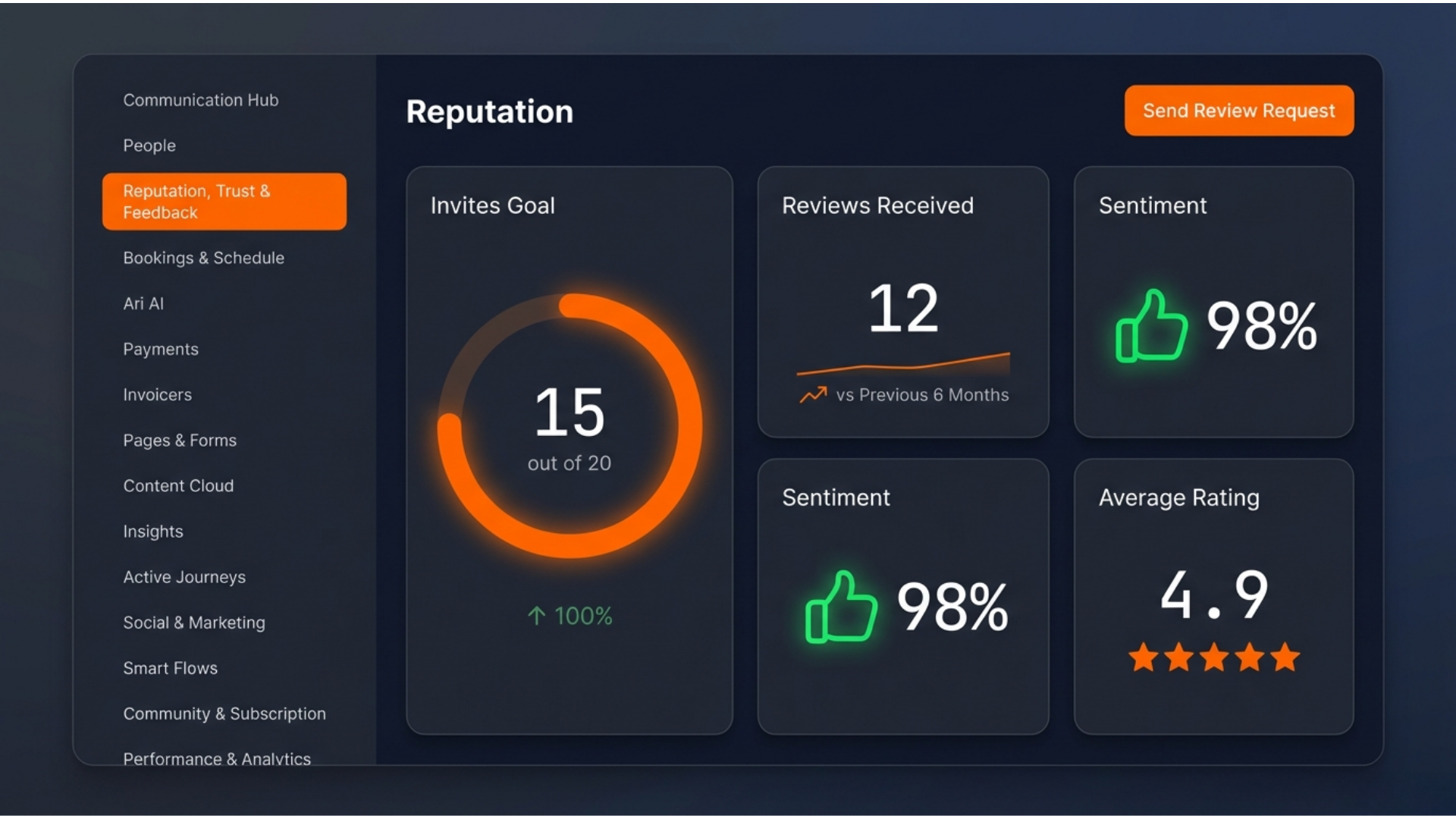
9. Reputation (Trust & Feedback)
Build authority by managing your Google and Facebook reviews. You can send review requests to happy clients with one click and respond to feedback directly from this screen.
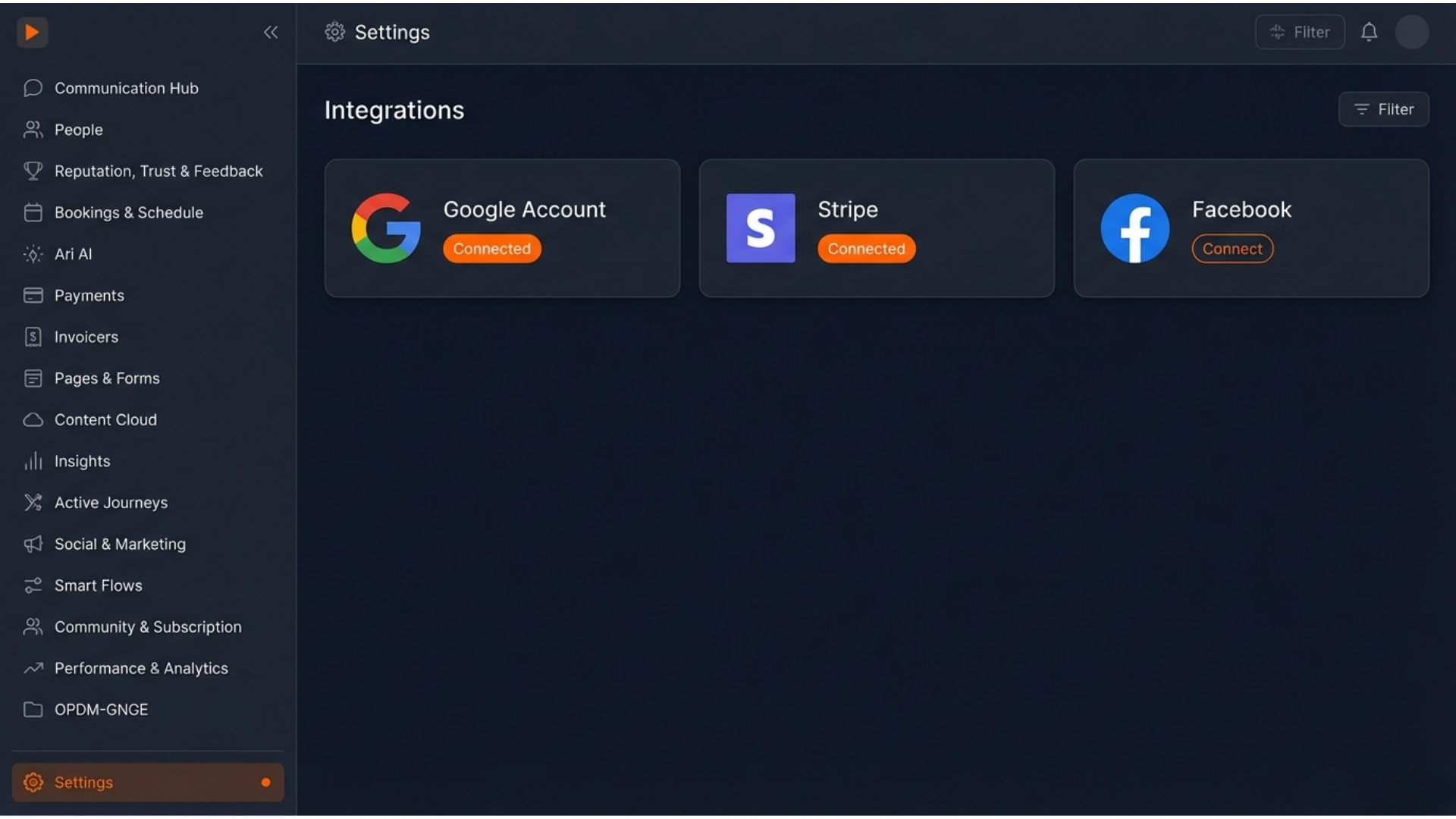
10. Settings (The System Engine)
Located at the very bottom, this is where you customize your experience.
Integrations: Connect your Stripe account or Google Calendar.
My Staff: Add team members and control what they can see.
Company Profile: Set your branding so every invoice and email looks like "You."